The desktop app for Mistral's Vibe.
A browser, a vault, a handbook and a live preview: everything Vibe needs to get real work done, while you stay in charge.
Free and open source (MIT).
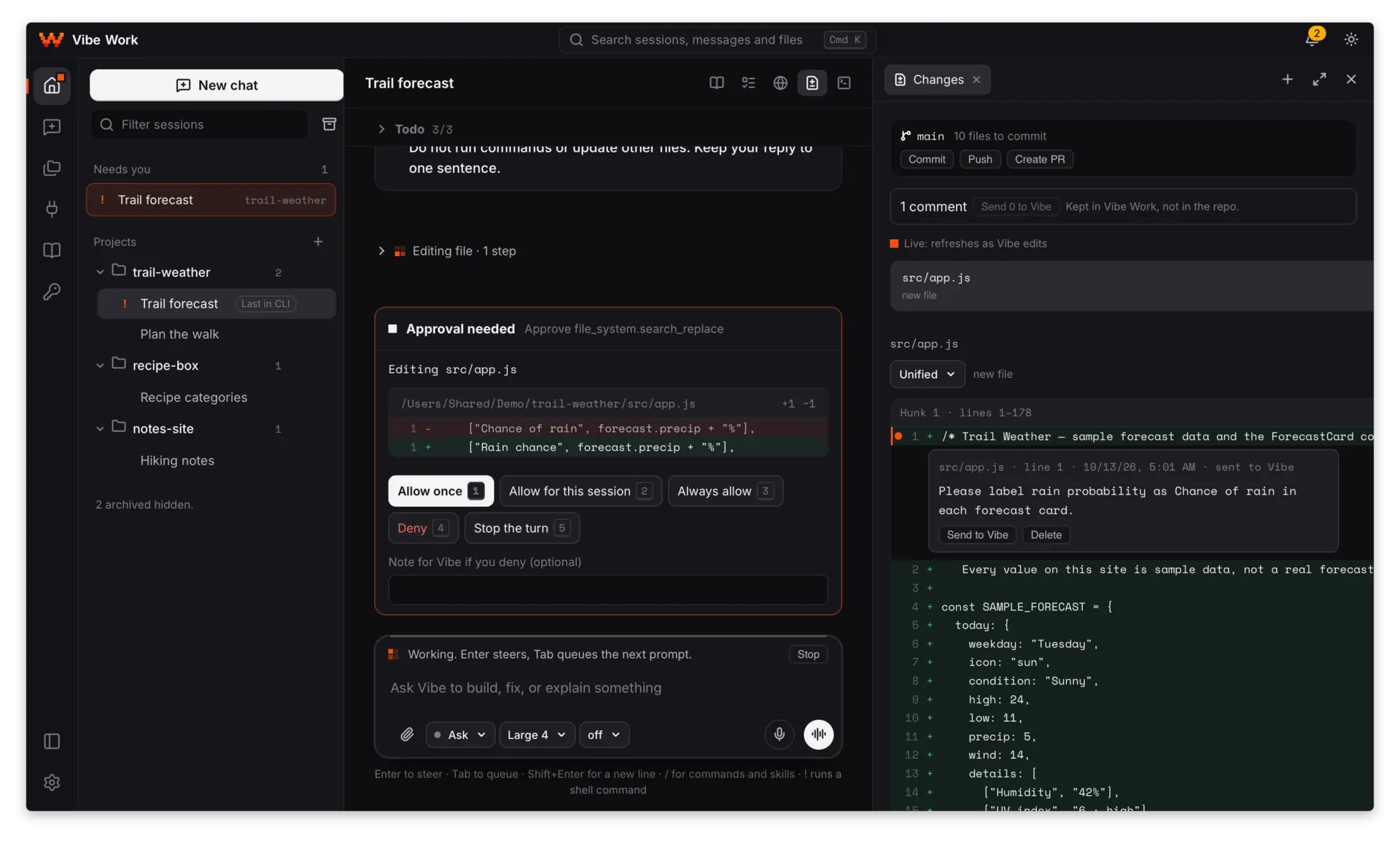
One task, start to finish
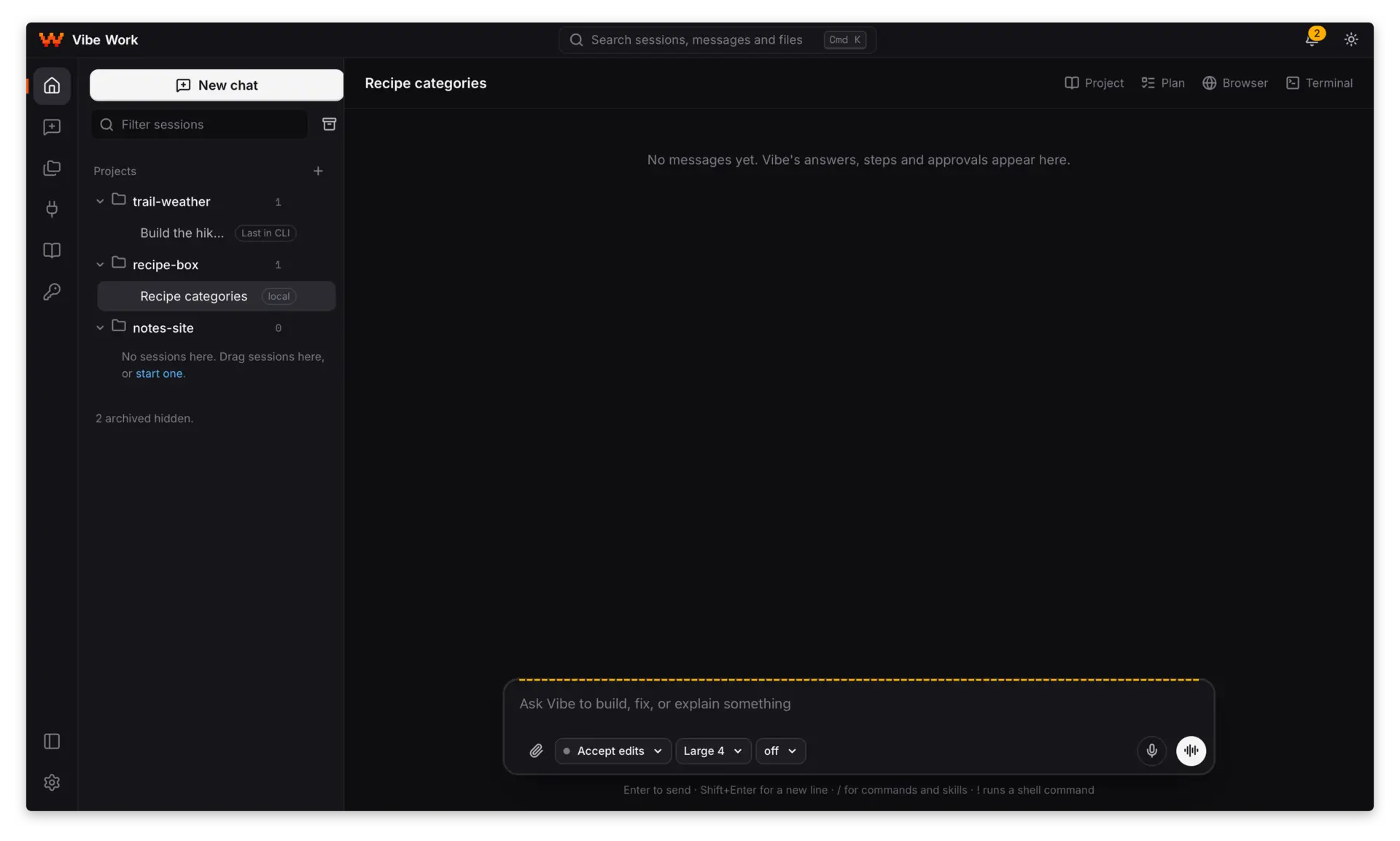
1Ask
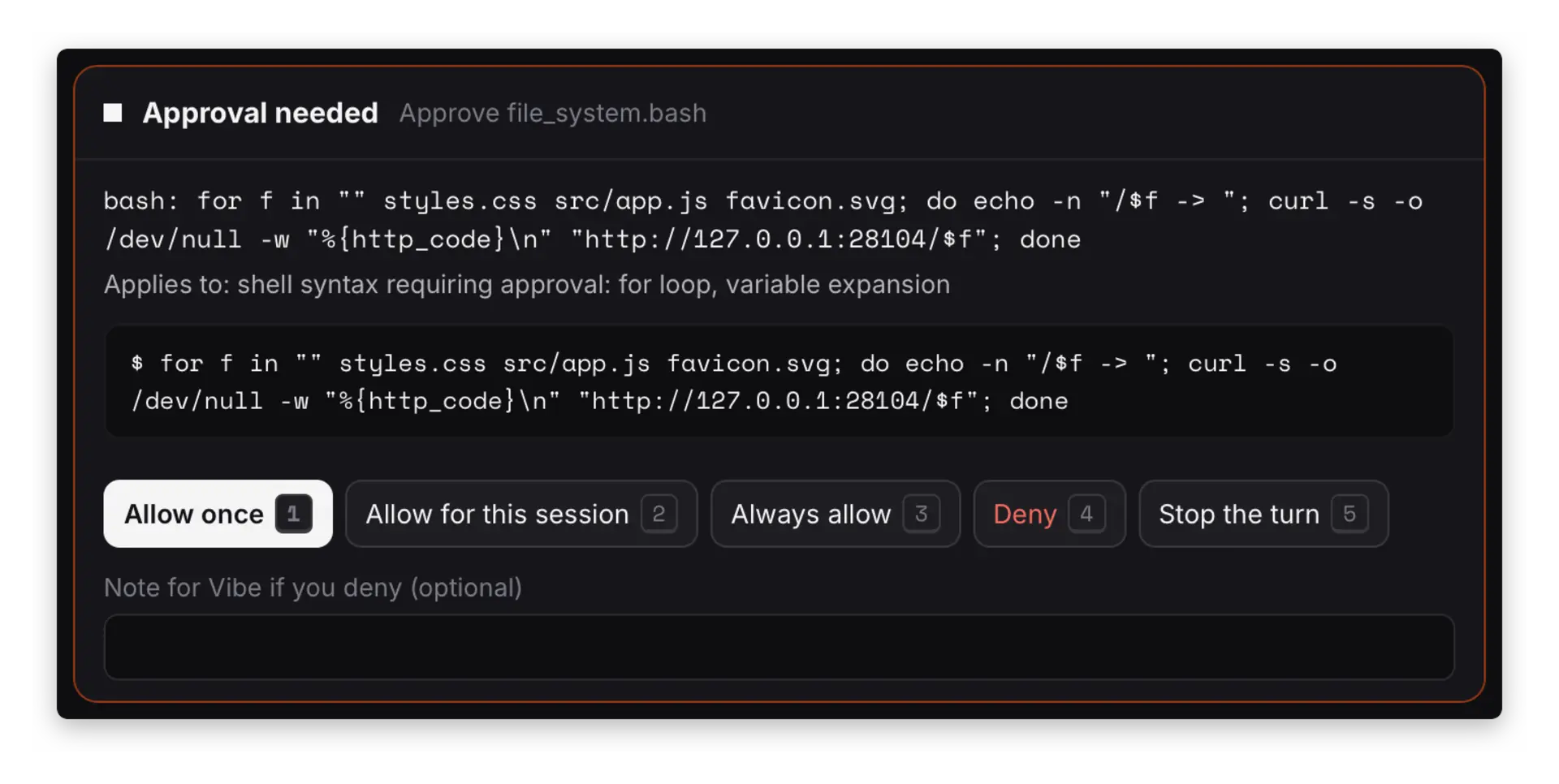
2Approve what you can read
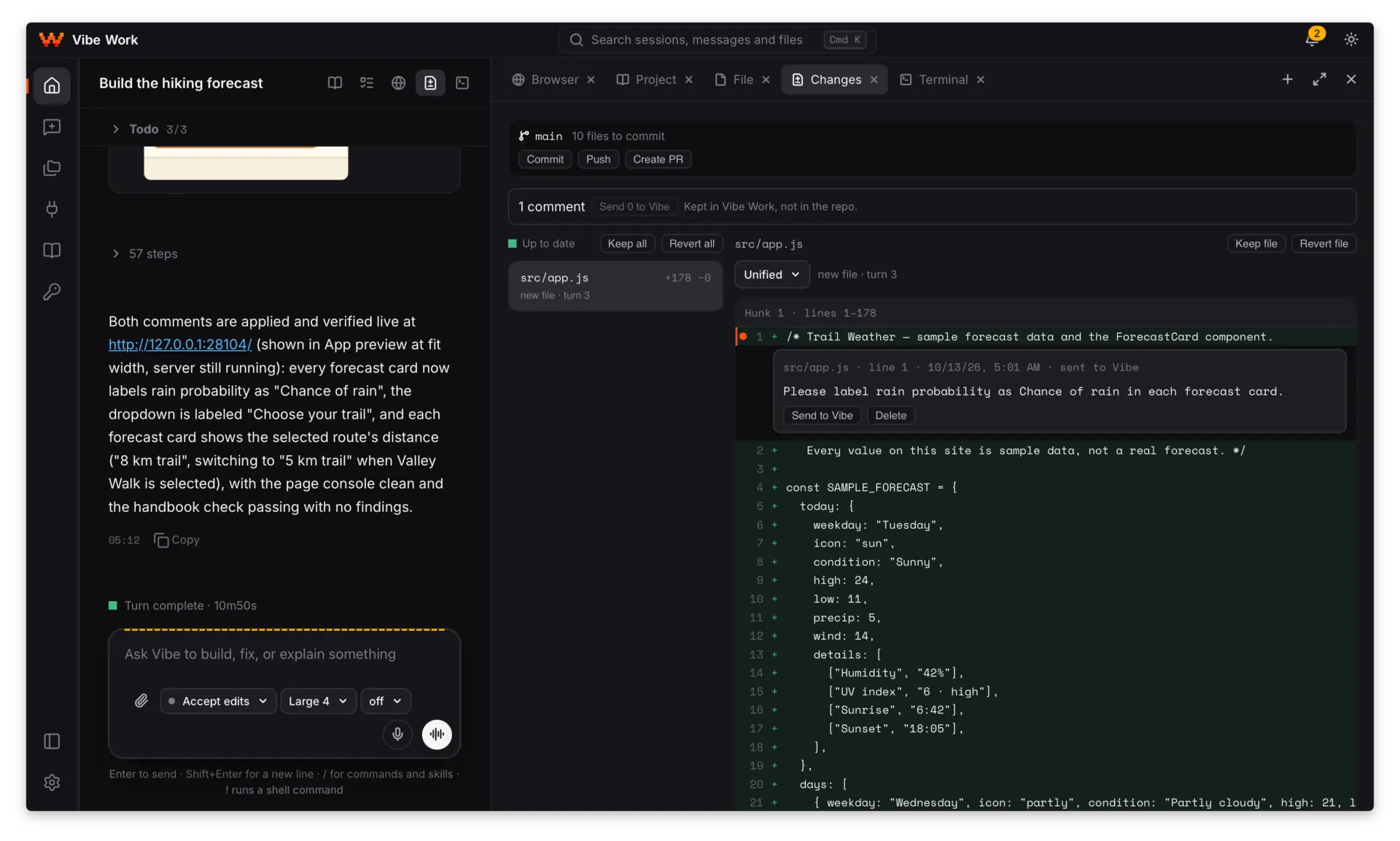
3See every change
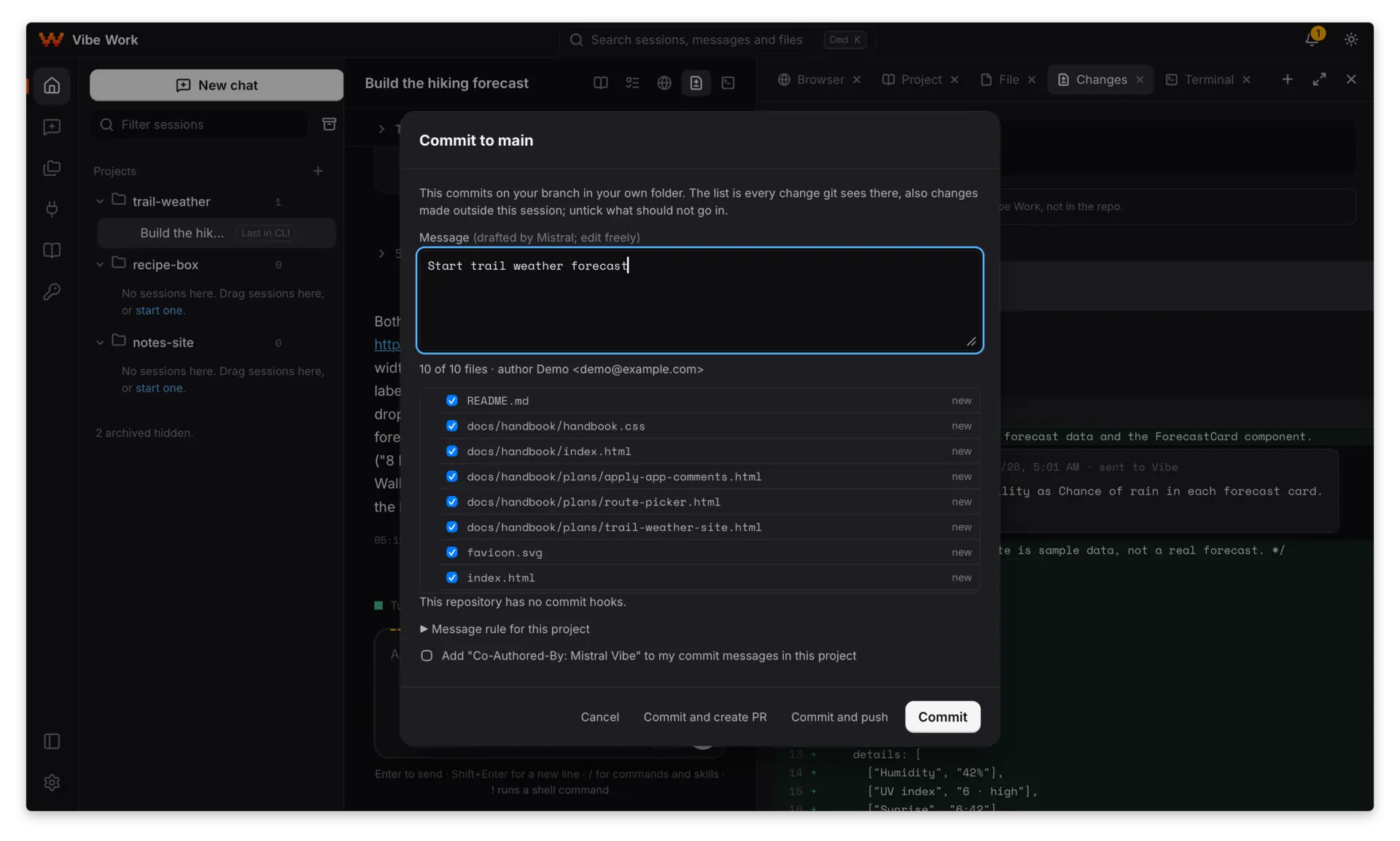
4Commit; you push
Built around the agent
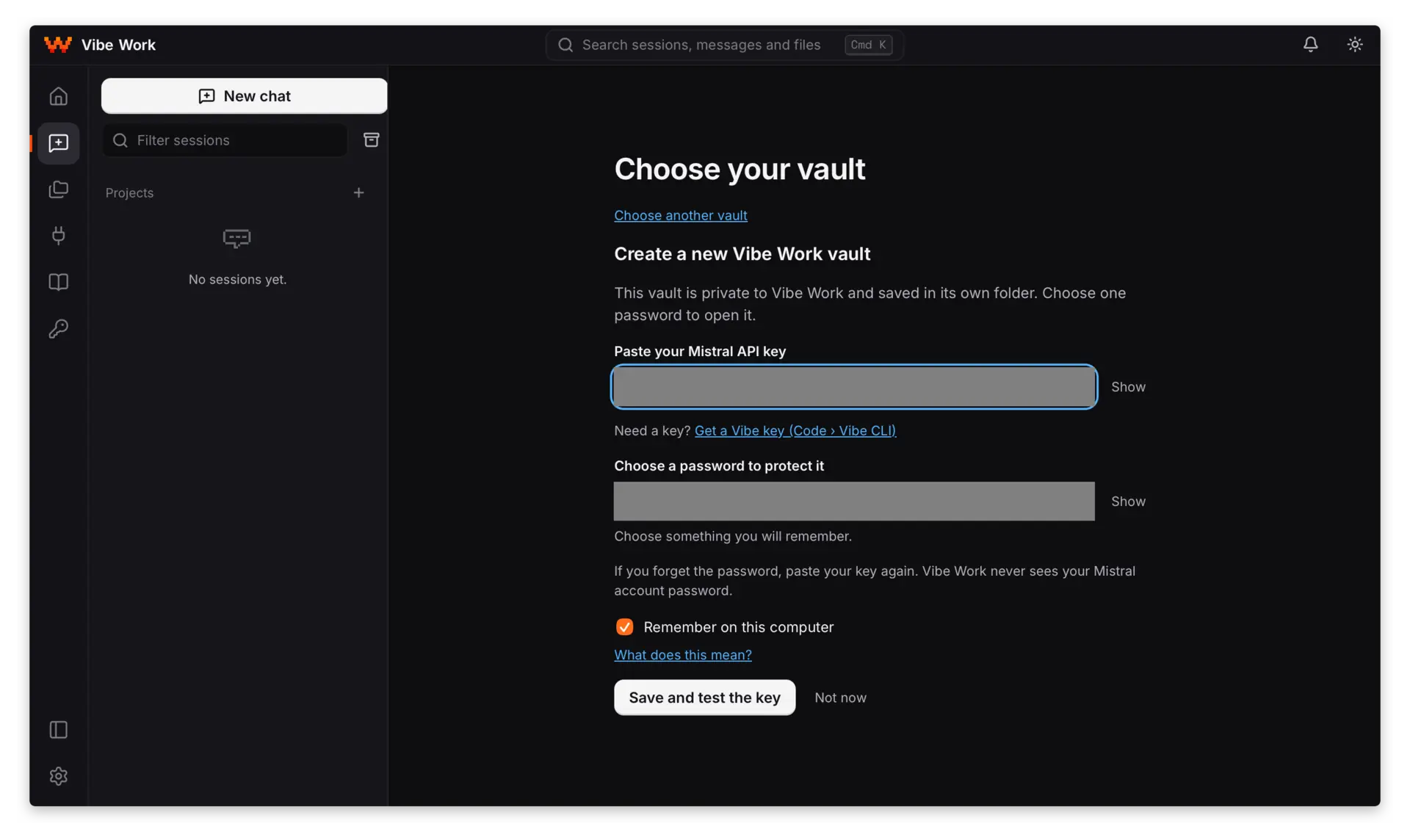
Use a key. Keep it yours.
- Your Mistral key goes into an encrypted vault.
- Vibe gets a placeholder. The real key stays in Vibe Work.
- You allow the agent to use a secret or a saved login by name. The values stay in your vault.
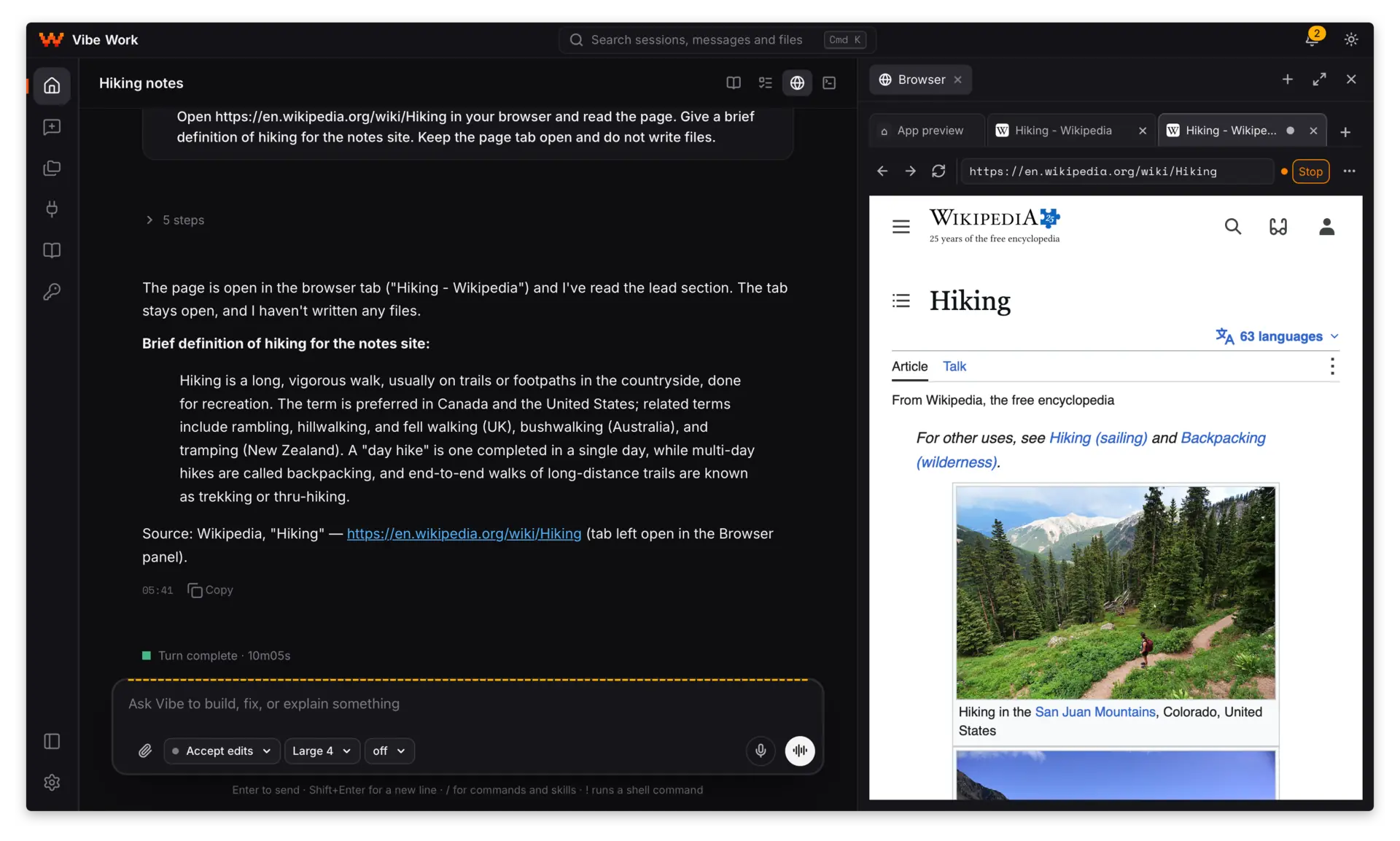
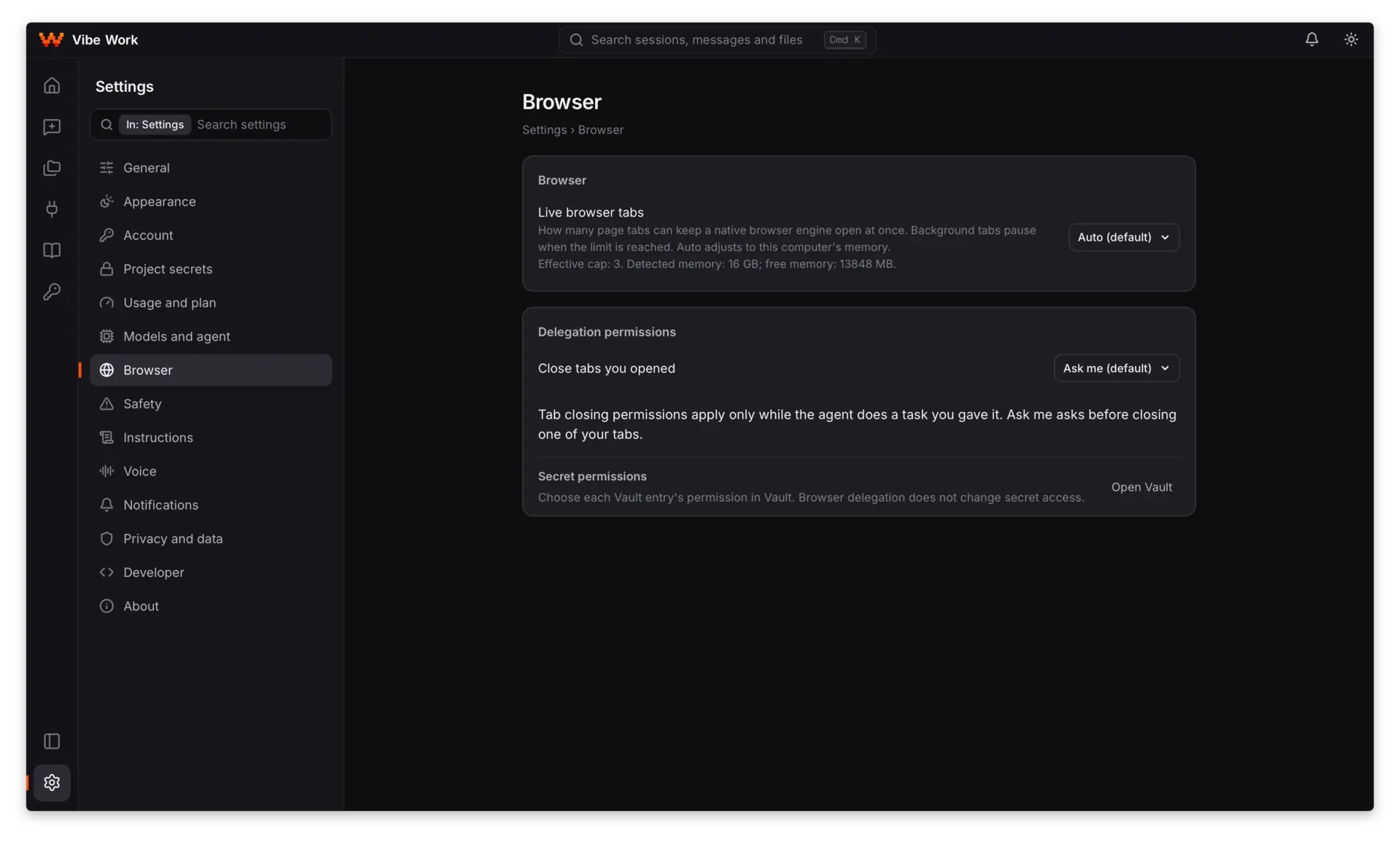
Watch it use the web.
- The agent opens pages in its own tabs, reads and clicks while you watch.
- You can press Stop at any time.
- Pages on your local network stay closed to the agent.
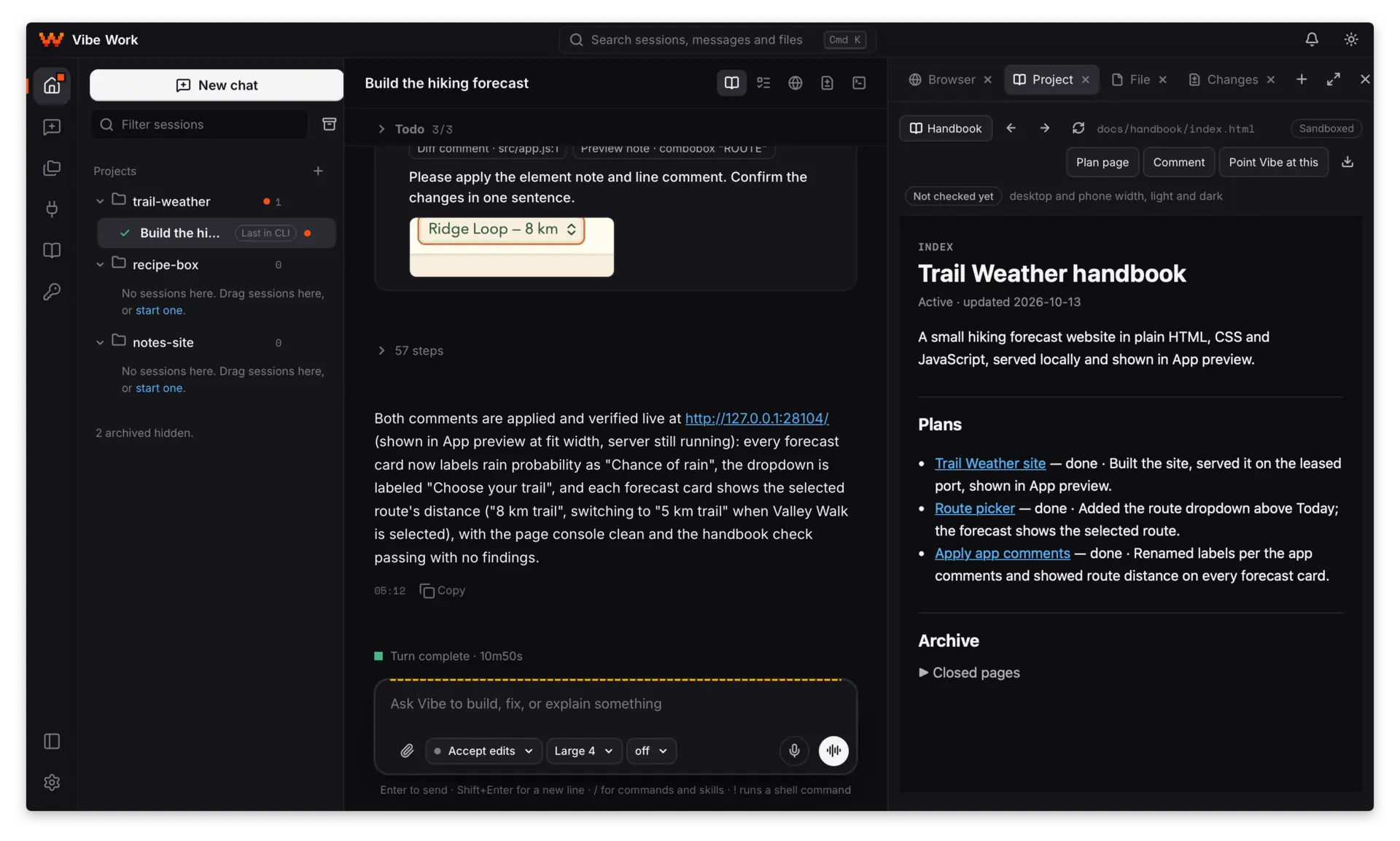
The project, beside the chat.
- Keep plans, notes and decisions in the project’s handbook.
- Open a page beside the conversation.
- Send a section back to the agent as context.
You decide what the agent
may do for you
More in the app
A worktree per session
Give each session its own branch and files.
A terminal in the app
Run commands alongside your work.
App preview, with notes
Point at an element and send a note to the agent.
Capture a page’s design system
Keep its colours, type, spacing and components.
Search across your work
Find sessions, messages and files.
Connectors and reviewed tools
Choose skill packs, servers and plugins to install.
Voice, both ways
Dictate a message, or talk and hear the answer.
Get started
v0.1.0 releases on GitHub- 1
Download for your system
- 2
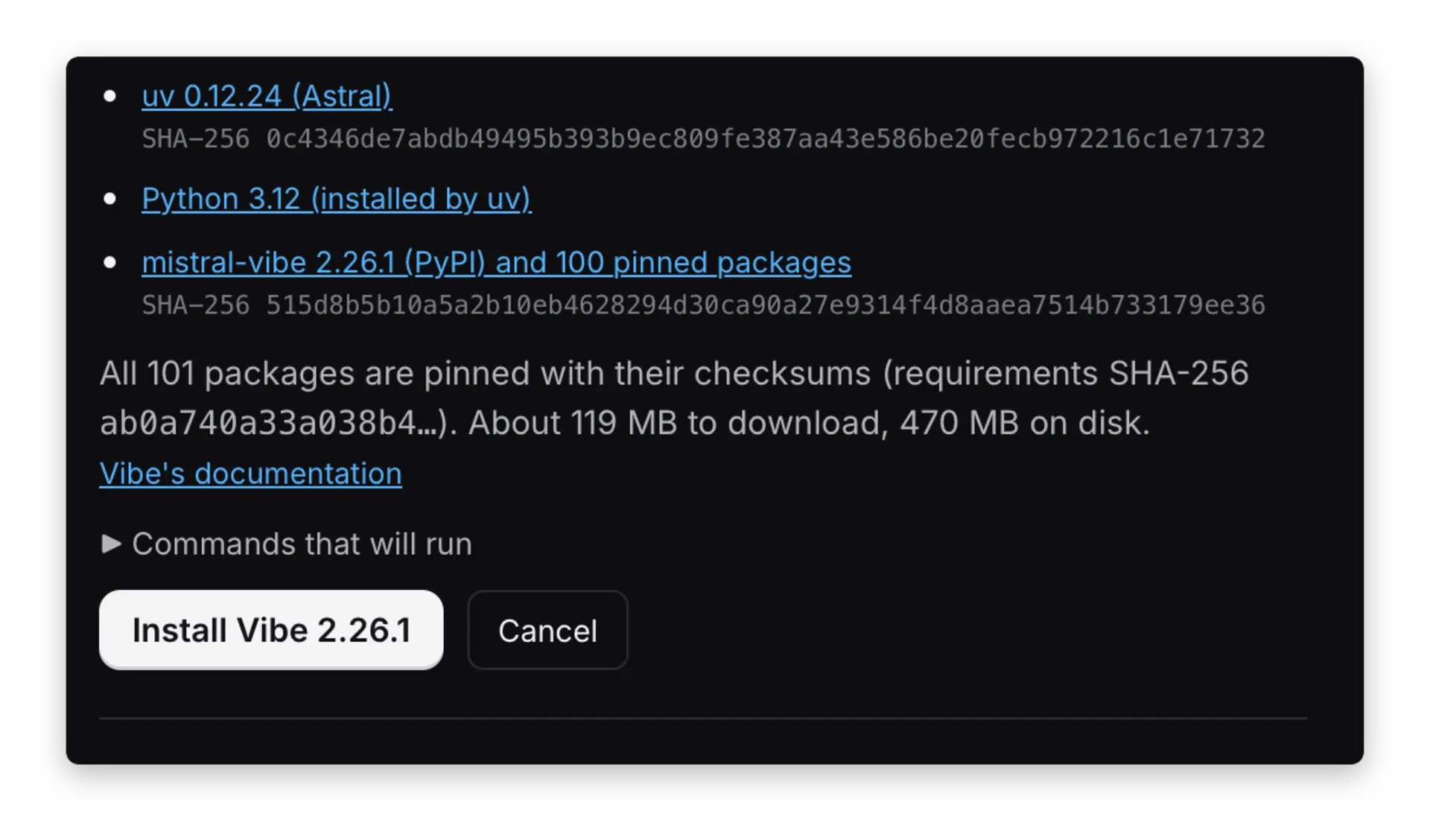
Install Vibe. Add your key.
Vibe Work offers to install Vibe, then you paste your Mistral API key into the vault.
- 3
Pick a folder. Type your first message.
Your session starts when you send it.
Requirements Windows 10 or 11 (x64), macOS 11 or later (Apple silicon), or Linux (x86_64). A Mistral API key and an internet connection.
On Linux, the .deb declares its WebKitGTK 4.1 dependency. On Windows 10, the installer adds WebView2 if needed.
Read more on GitHub