ShellX Motion · first public release 0.1.0

Motion graphics
an agent can drive.

A motion-graphics and video engine that runs on your own machine and takes typed commands instead of mouse clicks — 169 of them, over MCP, HTTP, WebSocket or the CLI. Every call declares a permission tier and leaves a receipt.

Free & open source (MIT) · builds from source in two commands · your footage, brand assets and prompts stay on the machine

Above: the full 25-second film the engine rendered from 4,201 keyframed layers of pure data — no executable code in the package. Ten animals drawn as coloured point clouds, morphing into the wordmark. Full film below.

01 Showreel

Rendered from data.
Every frame is engine output.

Four films the engine produced during the 0.1.0 release cycle. Each one is a package of declarative layers and keyframes an agent generated, validated and rendered through the same typed commands anyone can call — the same files ship in the repository.

Swarm — 4,201 shape layers, 25 s. Ten animals as coloured point clouds morphing into the wordmark, with the colour re-tinting mid-flight.
Light cycle — trails, glow and motion blur driven by keyframed transforms on a shader-lit grid.
Data alive — broadcast-style data graphics animated straight from rows, the batch path a campaign actually uses.
Server load — a live infrastructure dashboard as motion graphics; the same package re-renders on new numbers.
02 What it does

A command surface, first.
An API with a GUI.

Most video tooling is a program a person clicks, with automation added afterwards. Motion is the other way round: the contract came first, and the human Workbench is one more client of it. 169 typed Debug API commands and 155 discoverable actions, all of them in the open.

action discovery · 155 actions · 17 surfaces

Ask what's possible. Get a callable plan.

An agent describes the outcome — "change snow intensity and preview it" — and Motion answers with the commands to call, the arguments they take and the order to call them in. It reads the schema, calls the typed command, and gets a typed answer back. Each action ships a guide, and discovery is the documented step before any mutation.

→ actions find · actions guide · actions plan
packages

A project is a folder.

A motion document, assets, data rows, receipts and a manifest — readable, diffable and hashable. An agent can inspect a whole project without opening an editor.

receipts · input and output hashes

Every operation leaves a receipt.

Input hashes, the lane that rendered it, output hashes, warnings and the pass/fail gates, written next to the artifact. When an agent says it rendered something, the receipt is how you check — a success envelope is not evidence that valid media exists, and the docs say so in those words.

→ hashed · attested · readable after the fact
permissions

Six tiers, set at launch.

From read-only up to remote push. The host picks a ceiling when it starts the server; a caller may ask for less and never more, and package data cannot elevate itself.

render lanes

Probe first, render second.

A browser lane and a fixture-proven native fallback. A capability check reports, per operation, what your machine can actually do — instead of failing halfway through an encode.

authoring

The whole surface.

Layers, tracks, scenes, captions, transitions, masks and mattes, effects, gradients, spatial paths, easing curves, keying, roto, tracking, compositing graphs and precomposition.

delivery

Real files come out.

H.264 and HEVC MP4, VP9 and AV1 WebM where your FFmpeg supports them, plus audio, captions, alpha-capable output, GIF and stills.

interchange

It hands off.

Bounded HTML and CSS snippet import and export, OTIO, glTF and GLB scene import, Lottie and dotLottie import, package archive and extract, and connector plans for ShellX Cut and Design Studio.

workbench · loopback

There is a UI for you.

A local browser Workbench — Inspector, History, Connections, Docs and About — built on the same contracts the agents call, so it can't drift into a second project model.

batch · data rows

One template, many outputs.

A package can carry its own data rows and expand them into one rendered file per row, each with its own receipt. Same quality gates, zero marginal cost per variant.

03 Output

These are frames.
Not mockups.

The product pack ships 12 template families, and each one carries a poster the engine actually rendered. Those 12 posters are tracked in the repository alongside their SHA-256 digests, so you can regenerate them and compare byte for byte rather than take a marketing page's word for it.

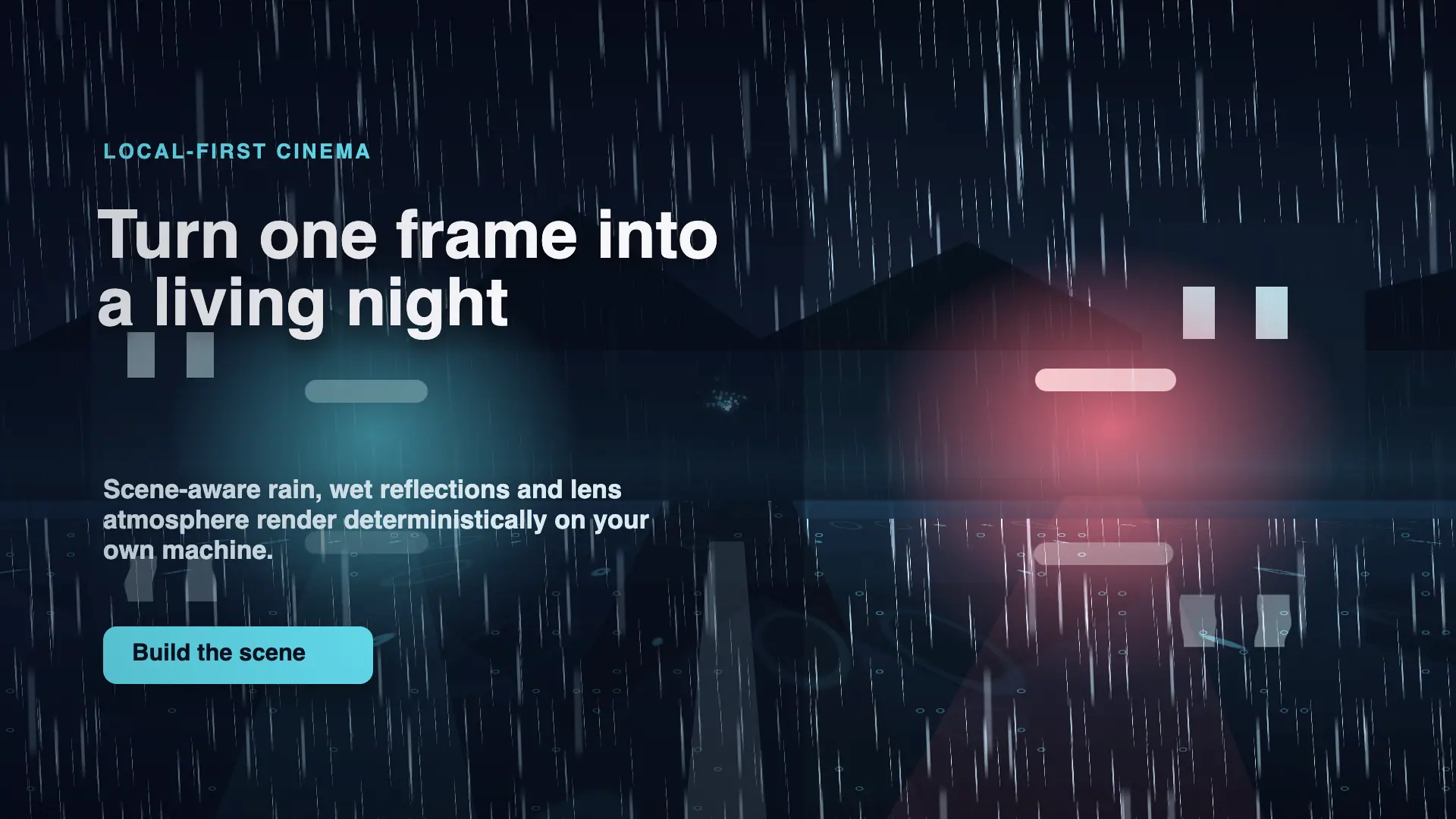
cinematic-rain-launch · preview/poster.png
Rendered frame from the cinematic-rain-launch template: a night street with volumetric rain, wet reflections, coloured lens glow and a title block
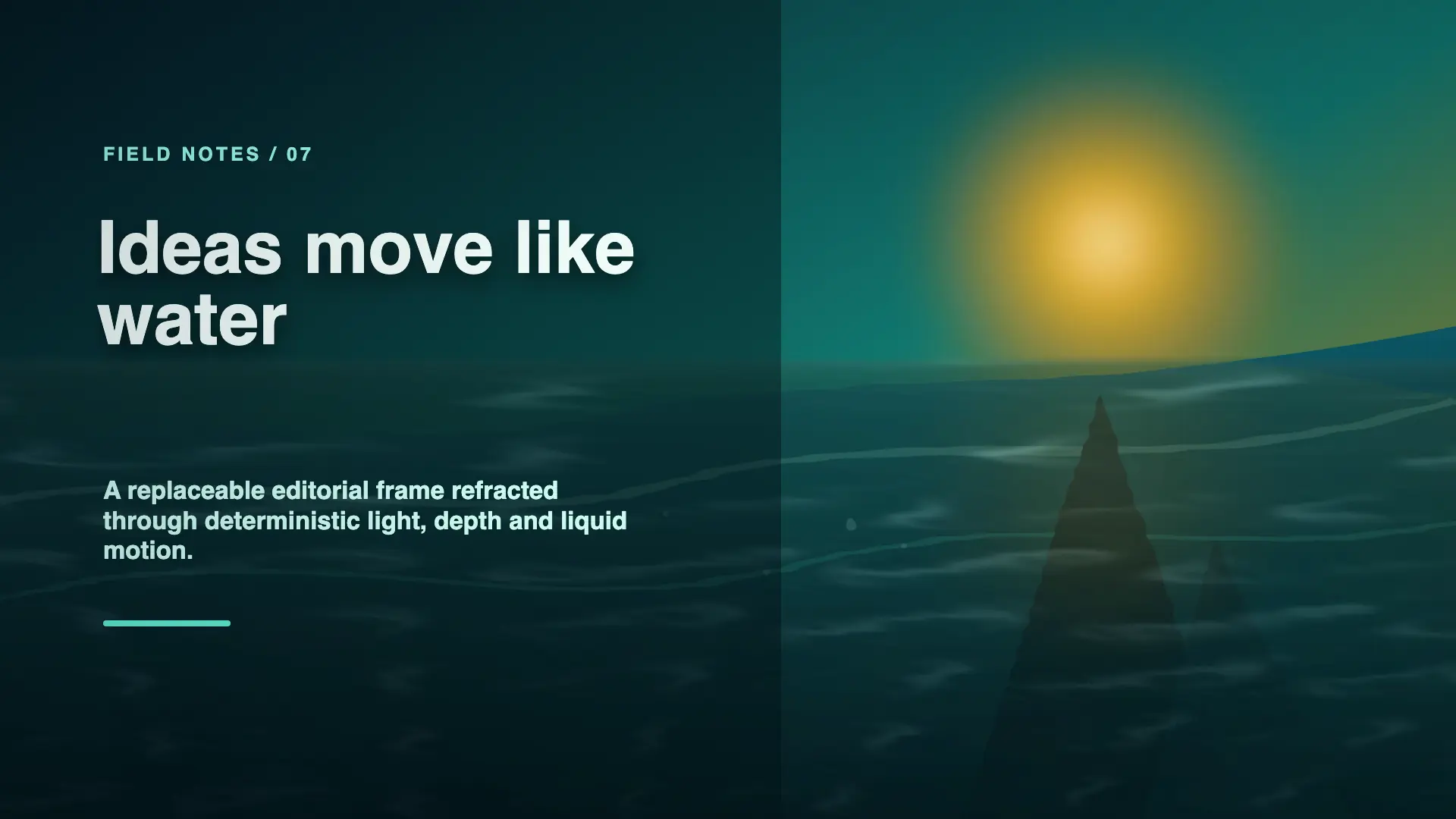
editorial-liquid-surface · preview/poster.png
Rendered frame from the editorial-liquid-surface template: a sunlit ocean horizon refracted through liquid optics with an editorial title over it
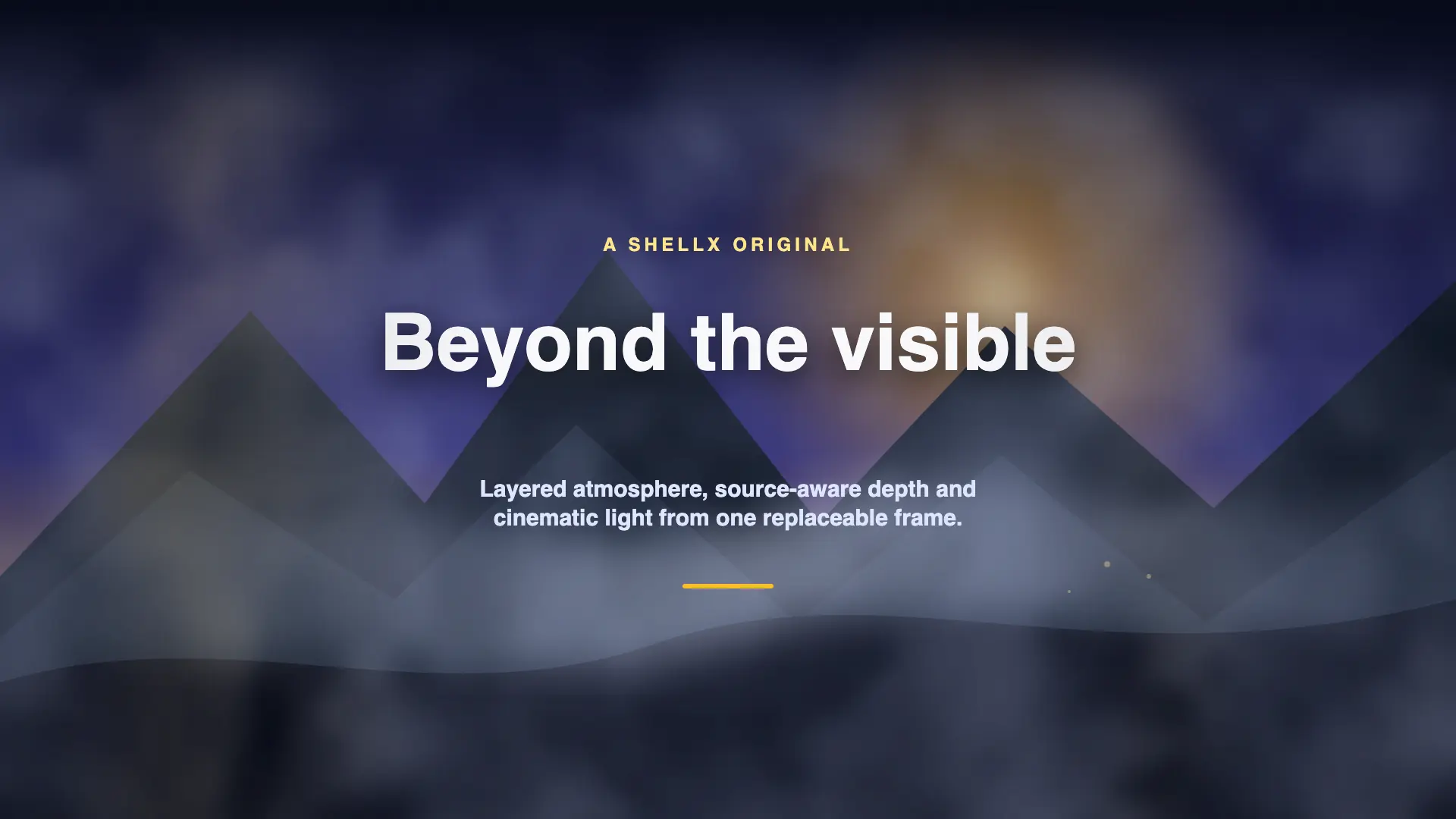
cinematic-fog-title · preview/poster.png
Rendered frame from the cinematic-fog-title template: layered mountain silhouettes in graded fog with travelling light behind a centred title

regenerate any of them with pnpm run template-pack:proof

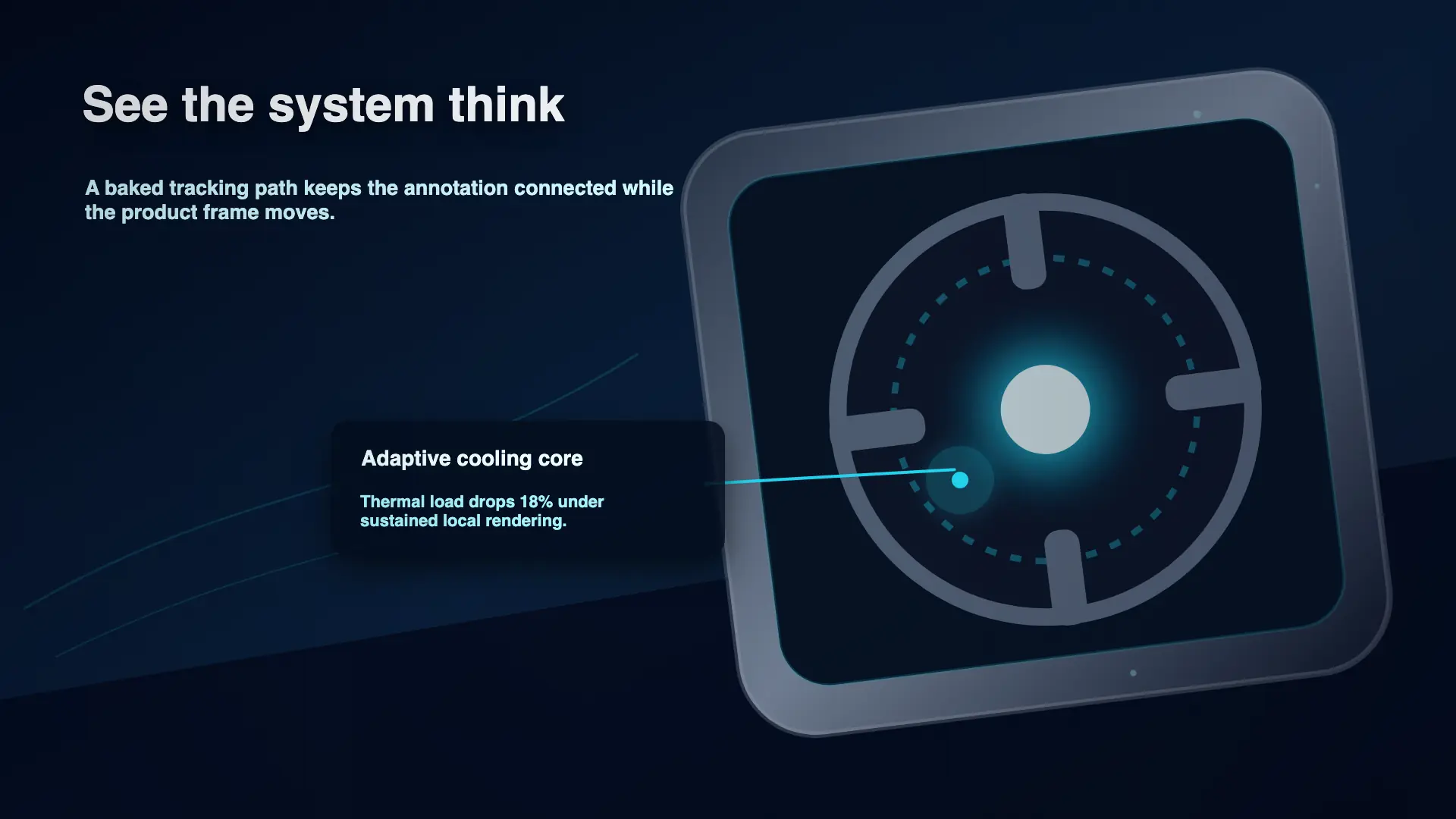
tracked callout · a baked tracking path, applied as data
A tracked annotation staying attached to a moving product frame — the same rendered poster, shown here as an example of tracking applied through the command surface
04 Drive it from code

One contract.
Four ways in.

The CLI, a local HTTP endpoint, a WebSocket and MCP all dispatch the same 169 typed commands against the same engine. The commands are generated from a schema that also generates the reference docs, and a check fails the build when the two drift — so what an agent reads and what it can call cannot disagree.

  • Loopback only, by design — direct non-loopback binding is disabled, and forged Host or unapproved Origin values are rejected
  • The JSON-RPC route speaks modern MCP alongside the older initialize/list/call flow, both under the same server grant
  • A render call blocks until it finishes, but name the job and a second process can watch it go pending, running, done
  • Everything except the health probe and the static Workbench shell needs a capability key
motion.agent.session
01# one private local key, an already-unlocked workbench
02pnpm start
03
04# discover before you mutate — this is the documented order
05... run cli -- actions plan \
06  "change snow intensity and preview it"
07
08# or dispatch a typed command over loopback
09curl -sS http://127.0.0.1:PORT/debug \
10  -H "authorization: Bearer $TOKEN" \
11  -d '{"command":"motion.render.final", ...}'
12
13receipt: written beside the artifact · hashes inside

full surface @ the manual · schemas/debug.json

05 Trust

The interesting part is
what it admits.

An agent reads a capability document as a contract and calls the thing it describes. So the claims on this page are worth exactly what they cost to falsify — which is why the counts are generated from schema files, the frames are hashed, and the one place code really does run is written down rather than glossed over.

01 / Receipts Checkable

Evidence you can check

A receipt records the input hashes, the renderer lane, the output hashes, the warnings and the gate results. Verify the identity, the artifact, the duration, the hash and the quality result — never the exit code.

A final render returns its receipt inline and writes it beside the delivered file; a preview writes one next to the frame; automation that produces a package puts it inside that package. Validation is honest about itself too — it reports in the envelope and writes no receipt at all, rather than leaving a reassuring file that attests to nothing.

→ render.final  h264 · 1920x1080
  inputs   sha256 · 4 assets
  gates    representative frames pass
  output   sha256 · written to --out
receipt> beside the artifact
02 / Tiers A ceiling

The grant binds

Six tiers, ranked. The host sets one at launch and a request can drop below it but never climb above. Read-only is the default, and every tier above it takes a deliberate opt-in flag — a package, a prompt or an agent cannot raise its own ceiling.

The ranking has a trap worth knowing before it costs you a session: creating a new package outranks editing an existing one, because creating writes outside a package. Start the server too low and the create call is refused — correctly. Remote push sits at the top, is never automatic, and needs a second explicit opt-in on top of the grant.

→ read < draft < render
    < edit < write_local < push
  granted    render_motion
  requested  write_local
refused> above the ceiling
03 / Code Say it plainly

Some layers run code

Shapes, text, keyframes, environments, particles and fixed 3D scenes are pure data — they declare what to draw and cannot execute anything. A web, html or canvas layer is the deliberate exception: it names an HTML file inside the package and Motion loads it in Chromium with JavaScript enabled. That is what makes design-to-video work, and it means rendering a package a stranger sent you runs their script. The fence is real — network denied by default, service workers blocked, secondary pages refused, reads confined to the package — but it bounds what the code can reach, not whether it runs.

→ shape · text · particles · 3d
  executes   no
→ web · html · canvas
  executes   yes, in Chromium
  network    denied by default
import> <script> stripped
06 Feature list

Everything it does,
in plain terms.

A factual rundown of ShellX Motion 0.1.0 — updated every release, and kept honest by the boundaries in the next section.

Authoring

  • Layers, tracks, scenes, captions, transitions, markers, selections and timeline ranges
  • Text, shapes, images, video, audio and grouped or precomposed content
  • Linear and radial gradients on every shape kind, with a keyframable angle
  • Masks, mattes, effects, transforms, crop and fit, and blend modes

Animation

  • Keyframe create, update, move, duplicate and delete, plus range transforms
  • Easing, interpolation, curve handles, spatial paths, snapping and presets
  • Undoable package revisions, so a bad edit is a step back rather than a restore
  • Copy auto-fit, safe-area checks and representative-frame plans

Look and effects

  • Cinematic rain, wet ground and reflections, snow, liquid surfaces, fog, haze and depth fade
  • Bounded shaders, particles, fixed 3D scenes and glTF scene import
  • Film treatment, motion blur and depth-aware composition
  • Chroma and luma keying with spill and matte cleanup, vector roto and compositing graphs

Tracking

  • Point and planar tracking with confidence and lost-region evidence
  • Stabilization and tracked property application
  • Verification of a tracked result, and exact restoration when you detach it
  • Procedural bindings you can enable, disable, bake or detach

Rendering and delivery

  • Preview frames and strips, playhead preview, final render, batch jobs and receipts
  • H.264 and HEVC MP4, VP9 and AV1 WebM subject to your FFmpeg, plus audio and captions
  • Alpha-capable output, GIF, JPEG and stills, with export presets matched to real capability
  • Data rows expanded into one rendered output per row, each with its own receipt

Working with agents

  • 169 typed Debug API commands and 155 discoverable actions over MCP, HTTP, WebSocket and the CLI
  • Action discovery that returns a callable plan instead of a documentation page
  • Six permission tiers, bound as a launch ceiling a caller cannot climb
  • An agent-facing skill and a machine-readable index of every public document
07 Run it

Your machine.
Your toolchain.

Three prerequisites you provide, and a build that takes two commands. Validation, inspection and still previews work without FFmpeg or a browser at all.

Node.js
24.x
tested on 24.14 (Linux) and 24.15 (Windows)
pnpm
10.6+
including 11.x · below 10.6 the workspace build declaration is not read
FFmpeg
yours
with FFprobe · tested on 6.1.1 and 8.1.2 · yours to install
Chromium
yours
any current build · the default frame lane rasterizes in a real browser
shellx-motion.install
01git clone github.com/martinsbrezauckis/shellx-motion
02cd shellx-motion
03
04pnpm install
05pnpm build
06pnpm start # opens the workbench on loopback
07
08# prove the toolchain before you trust it
09... run cli -- doctor
10... run cli -- validate fixtures/packages/lower-third
11"ok": true
Ready

Clone it.
Point an agent at it.

Free and open source under MIT. The engine runs on your hardware and your files stay there. The repository ships an agent start page, a full operating contract, and a machine-readable index of every public document.

MIT · source release · 0.1.0 · Node 24 & pnpm 10.6+ · bring your own FFmpeg and Chromium
Also in the family: ShellX Cut, the editor Motion hands rendered clips to · everything shellX does